Here are the steps on how to integrate payment gateways with a WordPress website:
- Choose a payment gateway. There are many different payment gateways available, so you need to choose one that is right for your business. Some factors to consider include the types of payments you want to accept, the fees charged by the gateway, and the level of security offered.
- Set up a merchant account. A merchant account is a bank account that allows you to accept credit and debit card payments. You will need to apply for a merchant account with a bank or payment processor.
- Install a payment gateway plugin. There are many WordPress plugins that can help you integrate a payment gateway with your website. Some popular plugins include WooCommerce, Easy Digital Downloads, and GiveWP.
- Configure the payment gateway plugin.** Once you have installed a plugin, you will need to configure it. This will include entering your merchant account information and setting up the payment options you want to offer.
- Test the payment gateway. Once you have configured the payment gateway, you should test it to make sure it is working properly. You can do this by making a test purchase on your website.
Here are some additional tips for integrating payment gateways with a WordPress website:
- Make sure the payment gateway you choose is PCI compliant. This means that the gateway has met the security requirements set by the Payment Card Industry.
- Use a secure connection when processing payments. This means using HTTPS, which encrypts the data transmitted between your website and the payment gateway.
- Keep your payment gateway information secure. This includes your merchant account number and API keys.
- Monitor your payments closely. This will help you to identify any fraudulent transactions.
By following these steps, you can integrate payment gateways with your WordPress website and start accepting payments securely.
Here are some of the most popular payment gateways for WordPress:
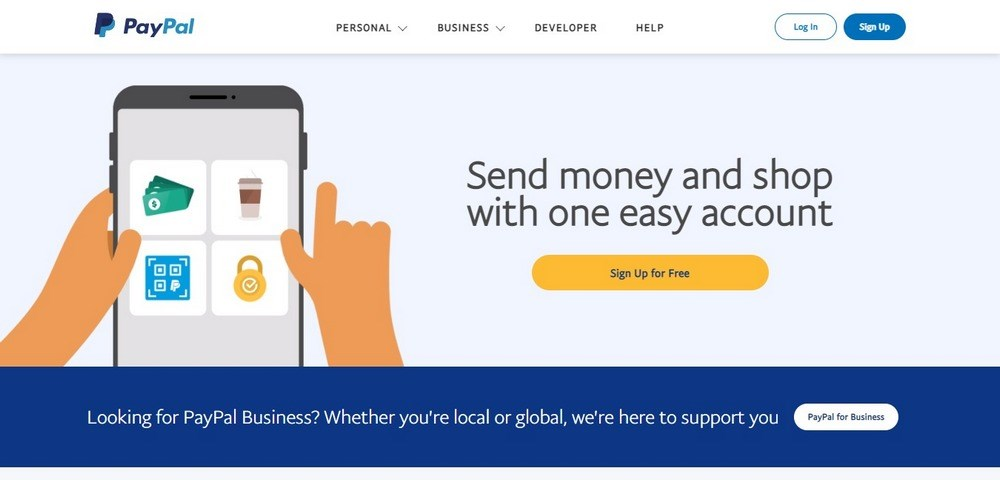
- PayPal: PayPal is one of the most popular payment gateways in the world. It is easy to use and offers a wide range of payment options.
- Stripe: Stripe is another popular payment gateway. It is known for its high security and low fees.
- Authorize.net: Authorize.net is a well-established payment gateway that offers a wide range of features.
- Braintree: Braintree is a payment gateway that is owned by PayPal. It offers a wide range of payment options and is known for its high security.
- Amazon Pay: Amazon Pay is a payment gateway that allows customers to pay with their Amazon account. This can be a convenient option for customers who already have an Amazon account.

[…] How to Integrate Payment Gateways with a WordPress Website? […]